Saturday, 9 August 2014

My Home Office Set-up 2014 (Update 2)

fresh-home-office-design


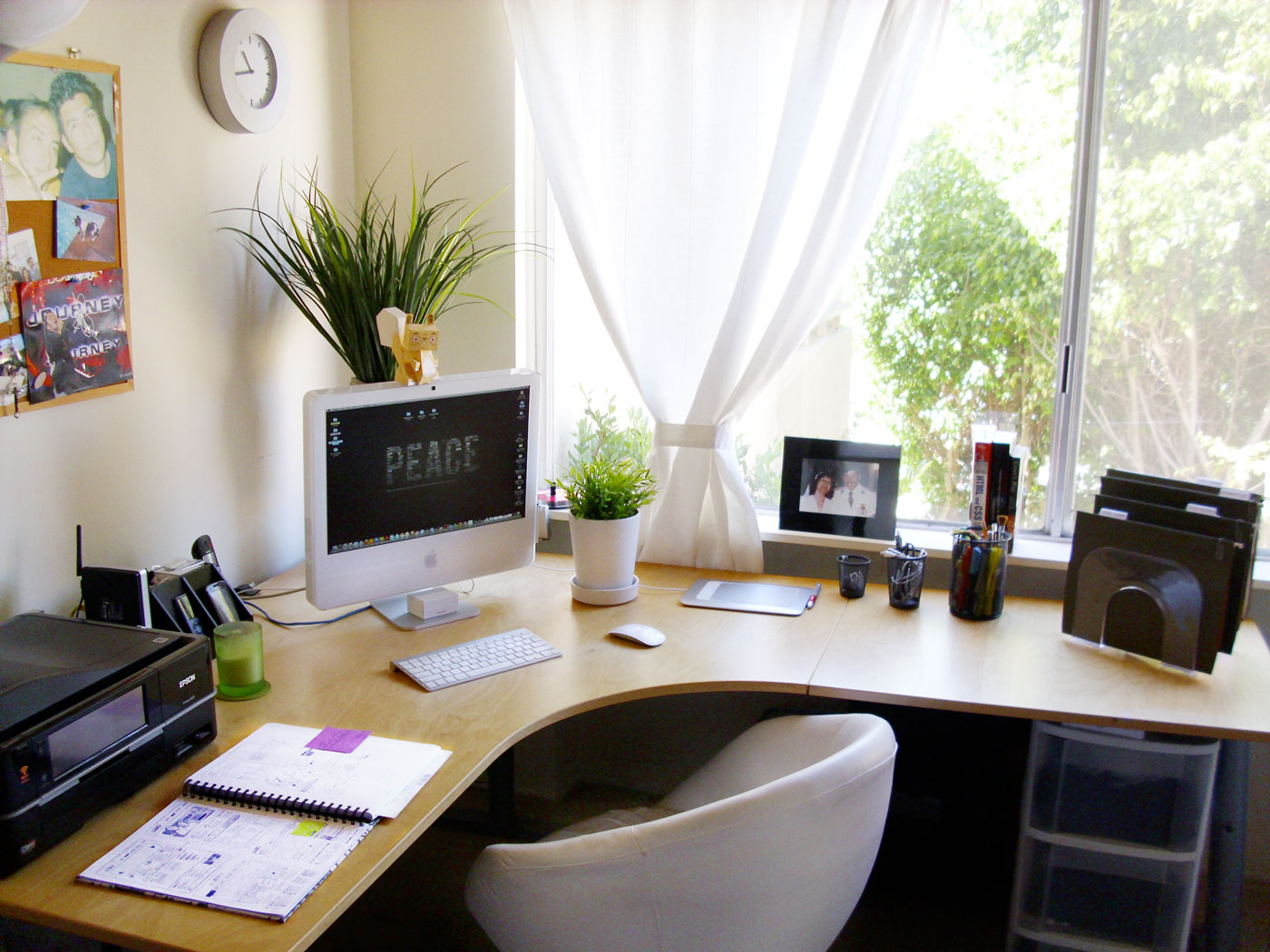
My Home Office setup isn't like the video tours that you see on YouTube, it used to similar at one time. It’s now a lot more modest and minimalistic, but it works well for me.   So here’s my text and picture tour of my Home Office as it didn't seem worth while doing a YouTube video. The storage part of my Home Office is an old Computer desk that houses a Box of Printer Paper, a Shredder, a Box of Envelopes and a brown box that has some Computer stuff on the bottom shelf, the Keyboard drawer has an old Microsoft Multimedia Keyboard while the top shelf has a Printer Organizer with mostly odd bits of scrap paper and the charger for my Asus Google Nexus 7, Bluetooth headphones and my Microsoft LifeChat LX-3000 USB Headset & on top of it I've got my Kodak esp 1.2 AIO Printer.

Powermat Wireless Charging Kit For iPhone 4/4S Unboxing/FirstImpressions

powermat_iphone4_11

Unboxing


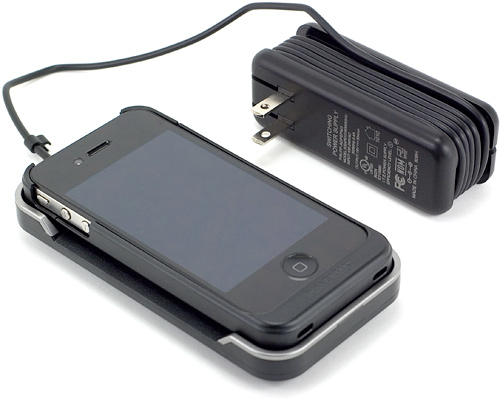
The Powermat Wireless Charging kit for iPhone 4/4S comes with the Powermat Wireless charging dock, Universal Power Supply, UK and EU Plug adaptors (the US version comes with a US only Power Supply) along with an iPhone 4/4S Wireless charging case with USB Pass through & a Micro USB to USB Charging cable and various bits of documentation.

Thursday, 7 August 2014

MultCloud First Use & Initial Impressions

cfyfwkoe6ypqagtr1pml


I just wanted to get some form of a review out for this service while my Broadband connection isn't stopping me from being able to use this service properly, so here's my first impressions.

sign-up process


The sign-up process is simple and  straight forward, but as I'd originally set out to do a full review last week I forgot to get a Screenshot of the sign-up screen, but all you need to do is provide an email address, username and password to create your account.

Adding Cloud Storage Accounts & a look at the UI


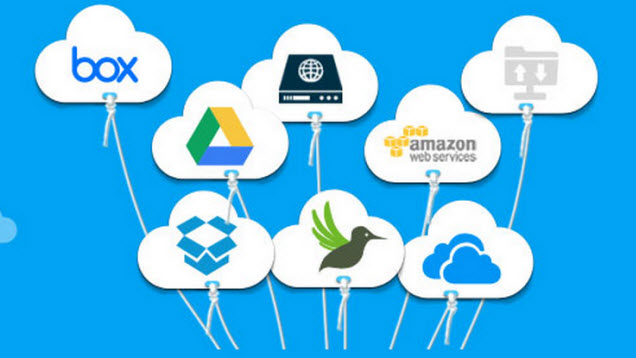
Adding Cloud Storage Accounts to MultCloud is a simple process as the following four pictures show.

List of Cloud Storage Services 1
 List of Cloud Storage Services 1

Wednesday, 6 August 2014

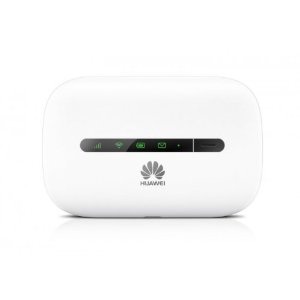
Huawei E5330 Mobile Wi-Fi Modem Router Unboxing & First Impressions

31Q57DPKNkL._SY300_ 

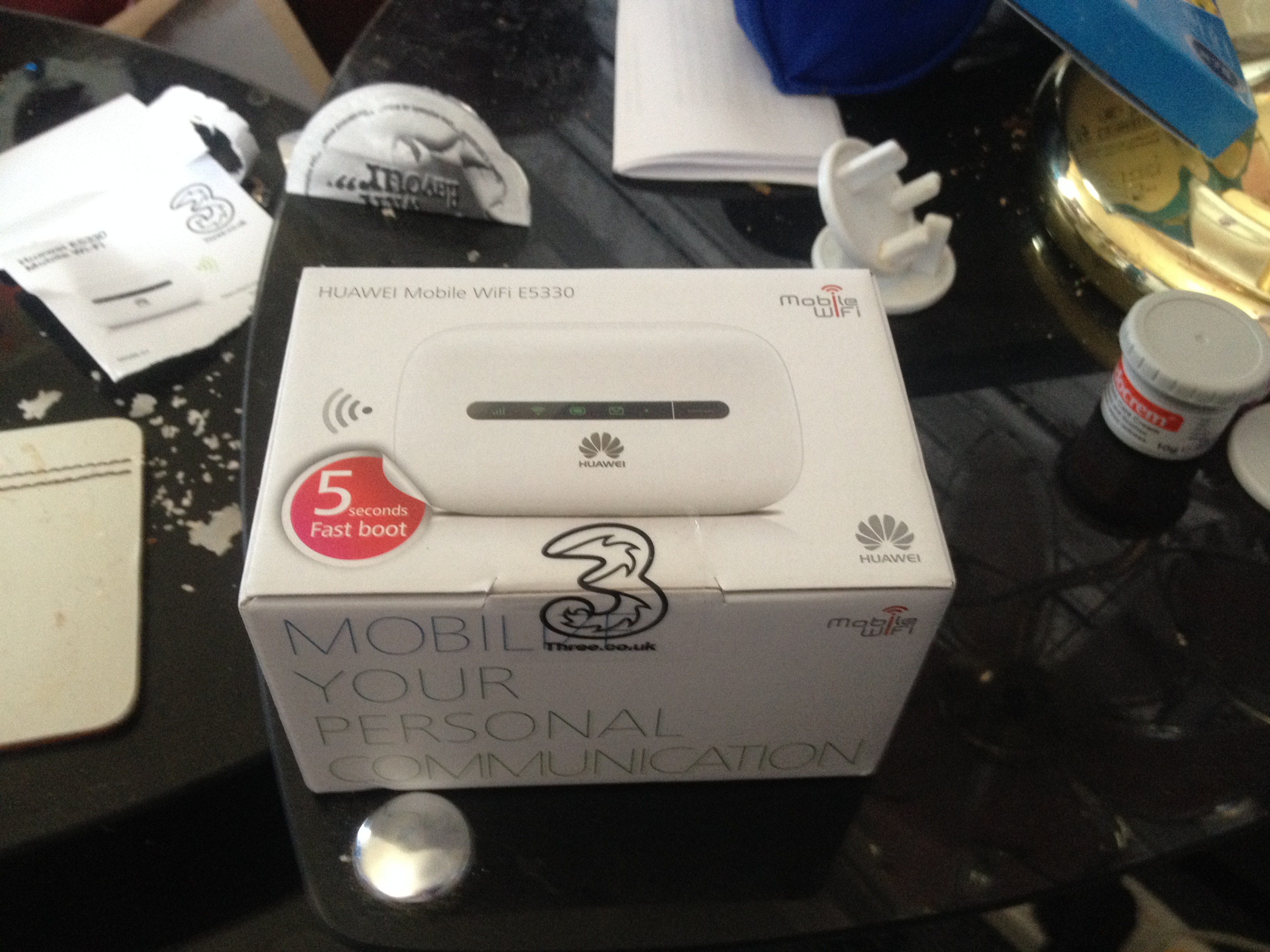
Firstly I'd like to say sorry for the somewhat poorly taken pictures but I didn't have much time to take the unboxing pictures.

 Unbagging

In the Currier Shipping bag there was the device its self and a Contract Sim Pack.

Huawei Mobile WiFi E5330 Box

Is Apple Considering A Move From intel For Its OS X Systems

IntelLogo


With rumours circulating that Apple could be stopping using intel Processors in Mac's what does this mean for the x86 Architecture and the Mac & OS X platform in the future? Is intel on its last legs for anything other than Server Hardware? Is the Arm Architecture about to hit the big time? Is Apples own Arm Architecture about to make the switch from being Mobile only to Mobile & Desktop? For my opinion on these questions then read on.

Tuesday, 5 August 2014

WordPress Post Dashboard Clutter

Wordpress.com-LOGO-use-this
If like me you've used WordPress for nearly four years then this Post will feel close to home for you. I've Blogged via WordPress since September 2010 and have amassed 360 published Articles and two drafts and my All Posts Screen in the Posts Dashboard looks like this.

A sample page from my WordPress.com Posts Dsshboard
A sample page from my WordPress.com Posts Dashboard

Friday, 1 August 2014

What’s On My Chromebook Shelf Right Now (August 2014)

Screenshot 2014-08-01 at 18.03.22

THE MOST USED APPS ON MY CHROMEBOOK, AND

WHY THEY’RE THERE


This is my latest Chrome OS shelf line up that I’ll probably stick with for at least the near future. While my iPhone and Google Nexus 7 Tablet are mainly used for leisure, my Chromebook is used mostly for work, I spend I’ve most of my day, it’s what I use to update this blog and work on various other projects. So I thought I’d do a post in the style of the what’s on my Mac Dock and why, but for Chromebooks, so here’s what’s on my Chromebook Shelf and why. First off we’ll cover some of the stock Chrome apps, and there are a few. The first is Chrome as it’s permanently placed on the Shelf by default, Files as it’s easier than having to go through the App Drawer to find it, finally I've got the Wallpaper Picker as it’s convenient for quickly changing my Desktop Wallpaper. Now onto the rest of my Apps.

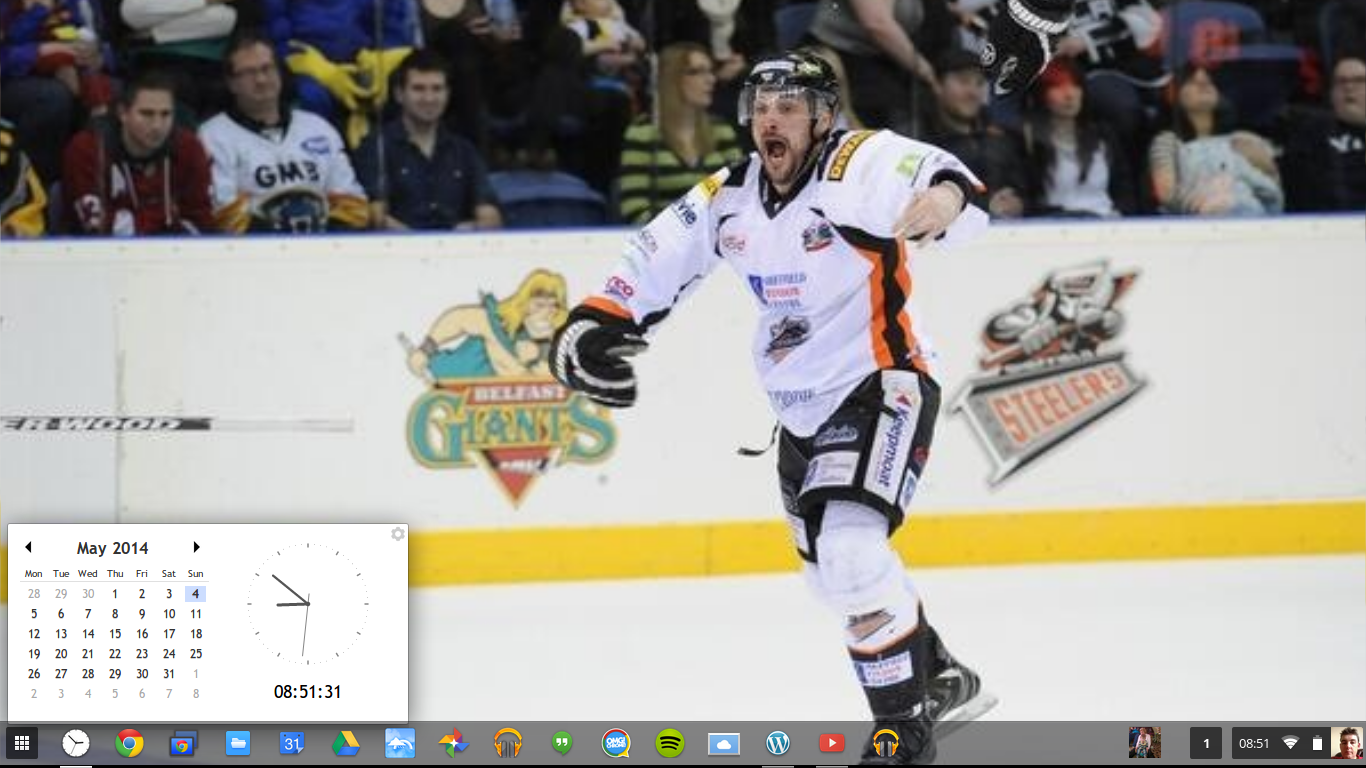
  • Clock Calendar.  Clock Calendar adds a nice convenient Month view Calendar and Clock that can be used like a widget.
Screenshot 2014-05-04 at 08.51.31

    Advertisement

    BBC News - Sheffield & South Yorkshire